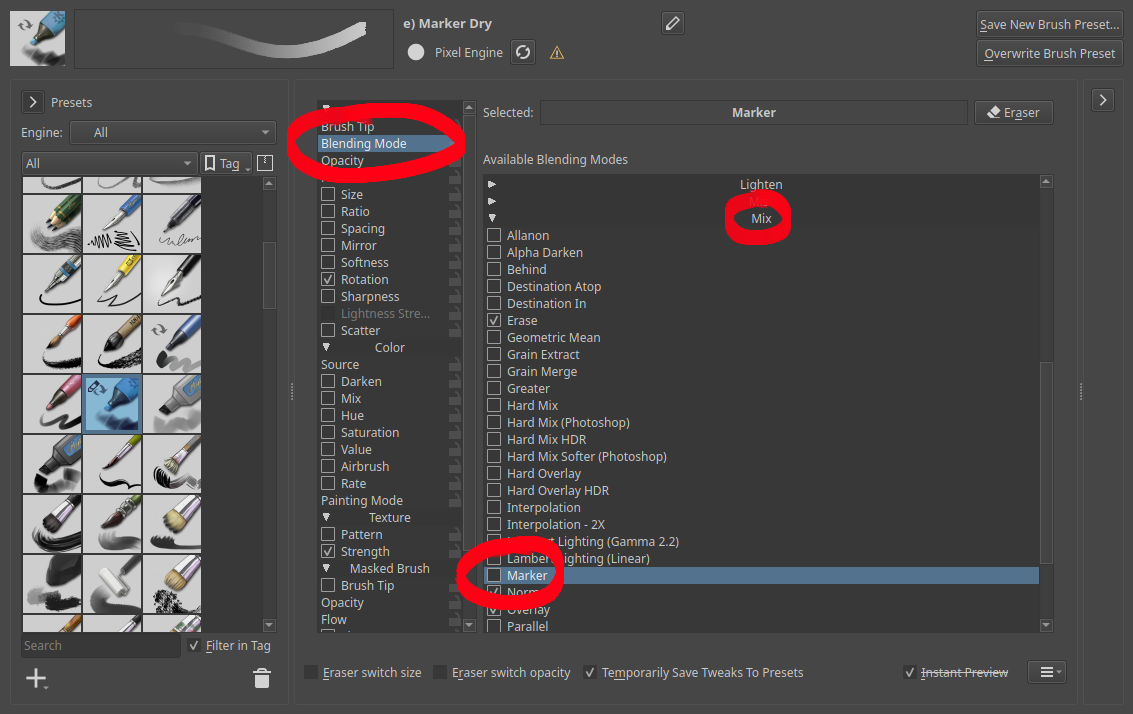
This is about adding a new Marker blend mode. It lets you draw over the same area of the canvas without the opacity on it building up across subsequent strokes. Color blending still works normally. It should work analogously to the Marker tool in Paint Tool SAI.
The Marker blend mode is similar to the Greater blend mode, but Greater will refuse to paint anything until you exceed the opacity on the canvas, rather than blending the colors. It’s also similar to the Alpha Darken blend mode, but Alpha Darken will produce weird artifacts when you try to blend colors.
This looks like a useful addition. I liked using Greater blending mode but it annoyed me that you can’t draw over it with a different color (while keeping Greater), so I kinda stopped using it for the most part. So basically it is Greater and Color blending mode simultaneously?
It’s kind of like Greater for the alpha channel and Normal for the color channels, so it should solve the issue you had with Greater. It’s not related to the Color blend mode, that one only affects hue and saturation.
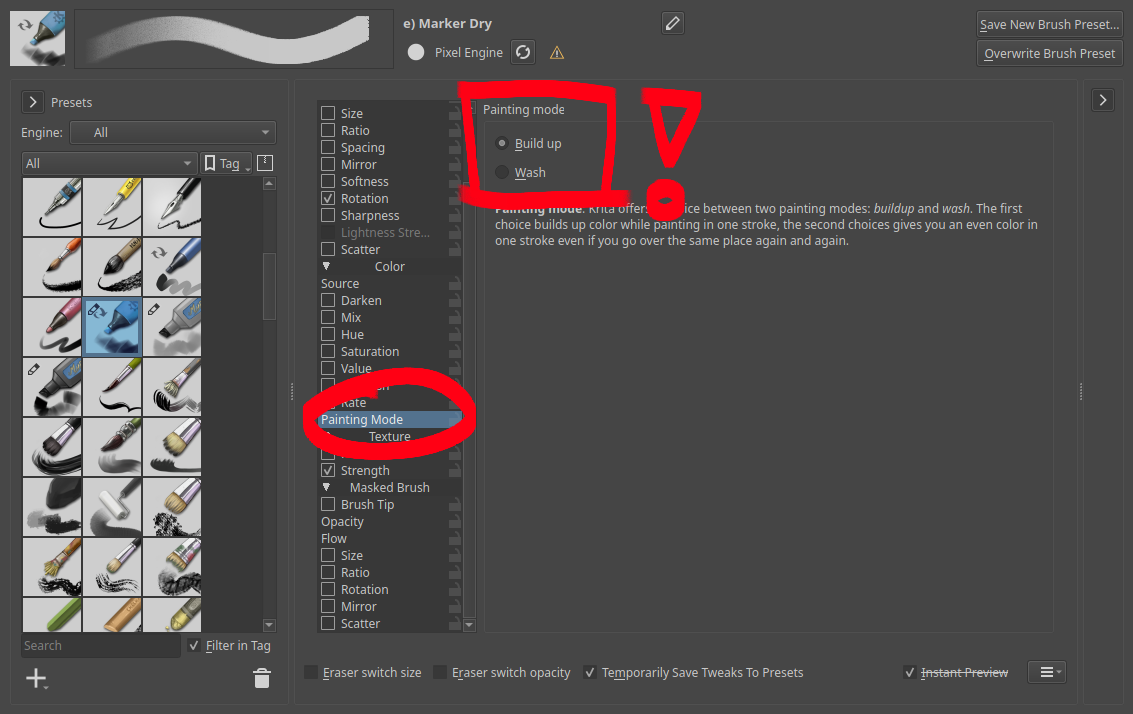
You can’t use masked brushes in build-up mode, so the brush doesn’t work as-is. Disabling the masking part makes it work fine, minus the funky effect where it erases part of the stroke you made retroactively. In Wash mode, you instead get resulting opacity dependent on the maximum opacity you set in your brush, which may still be a useful effect.
The blending brush included in the bundle is just a color smudge brush, which doesn’t use the blend mode in the way you configured it and so changing that doesn’t make a difference.
Not gonna lie, I would use a brush like that. I like greater too but it is painting yourself into a corner in a way. this seems to give freedom back to the brush. Looks very cool.
I use SAI and it’s marker brush a lot, and I suggested this brush behavior as an addition to Drawpile. I find it really pleasant for sketching, lines, coloring, or anything really. One more plus is that Marker obeys layer alpha lock, but Alpha Darken does not (I think this is a bug with Alpha Darken).
I played around with the settings a bit and I’d say it’s very good. I think this new blending mode is perfect and very similar to SAI’s. I’d have to try it out more by doing some drawing, but I feel like it’s pretty good.