I think its looking great!
1 Like
I do all my 3D bases on blender, then import the image over.
2 Likes
I’d like to learn Blender one day.
If you 're making something for the challenge, Blender can’t be used, though.
if you want to learn Blender, a good starting point is the BlenderGuru donut tutorial on YouTube
that’s how i learned 
3 Likes
we’ve had this conversation awhile back sooz. i raised this issue before and from my understanding @raghukamath had mentioned that he didn’t have an issue with using 3d bases for artwork so long as 90% of the work was done in Krita. I don’t remember how the conversation ended or what the agreed consensus was, but I always thought after that conversation that my use of blender/3D bases was ok. It’s been three years or so since that conversation, and no one else had mentioned anything whenever I post my 3D bases…
I wish I could find that conversation. I always have the feeling that my 3D bases might be raised as an issue by someone who hasn’t seen my workflow/seen that conversation we had.
anyways… if you absolutely want to take a hard line on this rule then you can withdraw my participation for this month… or if you want to revisit that rule all over again then maybe we can open up thoughts by other people on the subject matter. I use 3D in a lot of my workflows… I would be bummed out if the no blender rule is back on the table again.
5 Likes
I can’t find that conversation either but it kind of rings a bell. Thank you for mentioning it.
We should edit the rules if your understanding is correct. Let’s wait for a response from @raghukamath.
EDIT: @edgarej I thought more about this and remember that in the past when it seemed that it was time to question a forum practice, we’ve invited the member to make a post in “site feedback” to see if there is interest in changing a rule. Would you like to do that? That way the rules continue to be member directed.
2 Likes
Yeah I remember we had talked about this. I think it is okay to have 3D bases and I agree to the 90% rule. Taking 3D bases is like using references.
But if you think we need to discuss this more and may be clarify things a bit more, by taking advice from other member then please make a new discussion post.
4 Likes
I have created the discussion page/voting poll on the issue; Should 3D bases be used in the monthly challenges?
Thanks guys.
6 Likes
@I_J10 I feel your pain! The struggle is real when trying to get away from getting bogged down in detail. It helps to use a rough edged brush and stay zoomed out with your canvas small until you get basic shapes and colors established. For the “muddy colors” problem, I’ve found that color gamut masks really help with that. I’m still learning how to use them. 
3 Likes
@Celestial_Kilsune99 What a great suggestion.
I’ve used the old version for video and audio editing and now it’s time to check out the rendering … but first I need to get more familiar with Krita!
1 Like
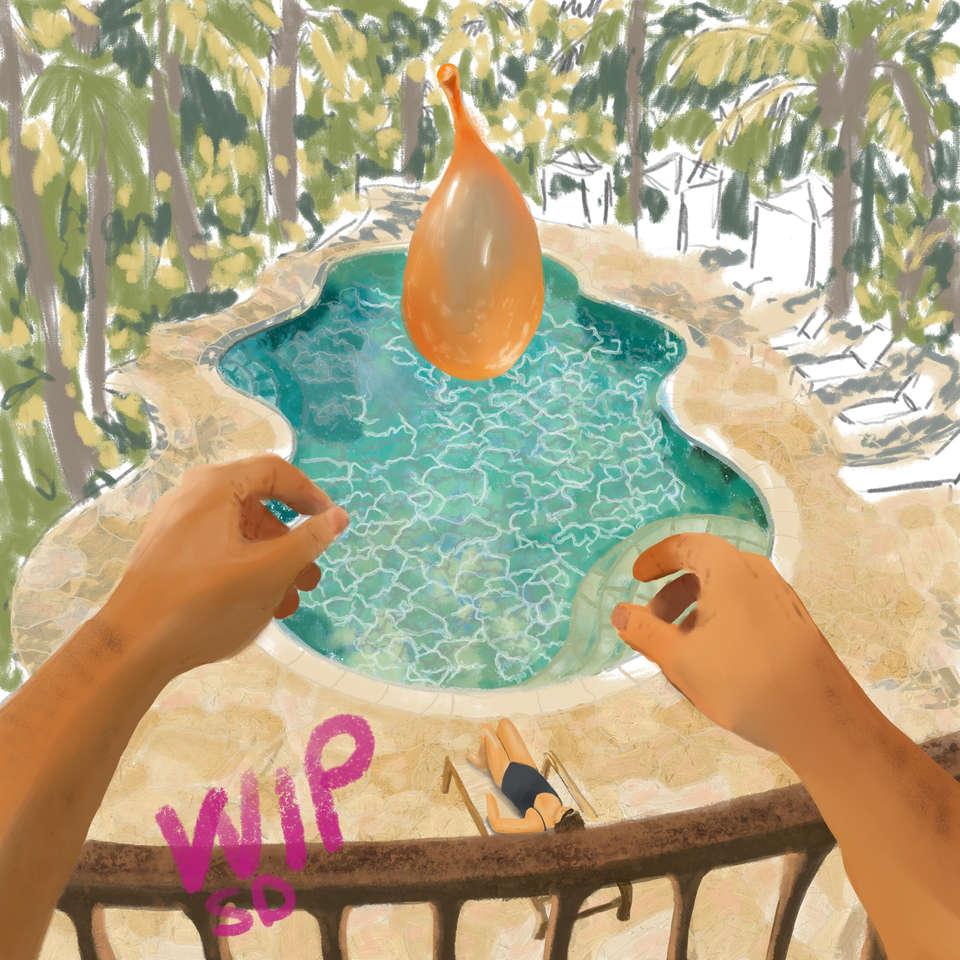
That’s coming along well! It reminds me of those long hot summers in the city when we were bored stiff…until some brought a bag of balloons!! A great memory!
2 Likes
I usually start my sketches in colour blocks and work in the details as you’ve suggested @Elixiah and I’m still using a mouse . When I win a lottery I’ll buy a drawing tablet!
Using gamut masks is yet another great Krita feature I’ll have to explore … there’s so much to learn and experiment with!!! 
1 Like
@I_J10 This is what I use 99% of the time. Good quality and price. Just as good as the fancy expensive brands in my opinion! https://www.xp-pen.com/store/buy/artist-15-6-pro.html
5 Likes
You could also get one that doesnt have a screen! I got mine for a very cheap 30$ US. Personal preference of course!
3 Likes
When I started using Krita, I was using a screenless tablet, like @Ymir suggested. It is a lot like using a mouse, so if you’re comfortable moving your hand somewhere away from where the cursor is, even a screenless tablet is a huge step up from a mouse. I felt it gave me more control than a mouse and the bonus ability to use a brush’s pressure settings. I highly recommend this rather inexpensive upgrade.
Personally, I draw on my 13-inch LG Gram’s laptop screen (which, while it has its advantages, I’m not recommending). I mean, it works, but it struggles with reading the pen as accurately as I’d like it to. I end up having to undo and redraw a ton, and that rework can be time-consuming and frustrating.
The 15.6 in. screen @Elixiah mentioned seems super luxurious (and I just put it on my Xmas list!) However, I find that using a smaller screen is not a huge issue for me. XPPen has a similar tablet with a smaller screen for almost $100US less if price is an issue. Maybe that’s a middle-of-the-road option to consider too?
6 Likes
@steve.improvthis @I_J10 When I first discovered Krita, I was using a mouse. Then a friend gave me an older small Wacom drawing pad. A little hard to get used to at first, like you said, with your hand flat on the table and looking at your cursor on the PC screen. But it quickly gets comfortable, and WAY better than a mouse. Soon after, I got an inexpensive XP-Pen screen tablet and have been using it ever since. I’ve tried out Wacom’s expensive screen tablets, and honestly, I don’t see any real differences in performance or quality between the two brands. I did, however, have to upgrade my old PC to a higher performance model.
6 Likes
@steve.improvthis @Elixiah @Ymir  all your suggestions are greatly appropriated. That XP pen made me drool and its on my Xmas list too! !Funds are tight and having an injury -using my non dominant hand - adds another complication- I’ll have to re-learn how to draw using a stylist with my left hand…hey I love challenges!
  I’ll definitely look into all the choices after tax season!
  Thanks again and lets get cracking on our submissions.
5 Likes
12 Likes
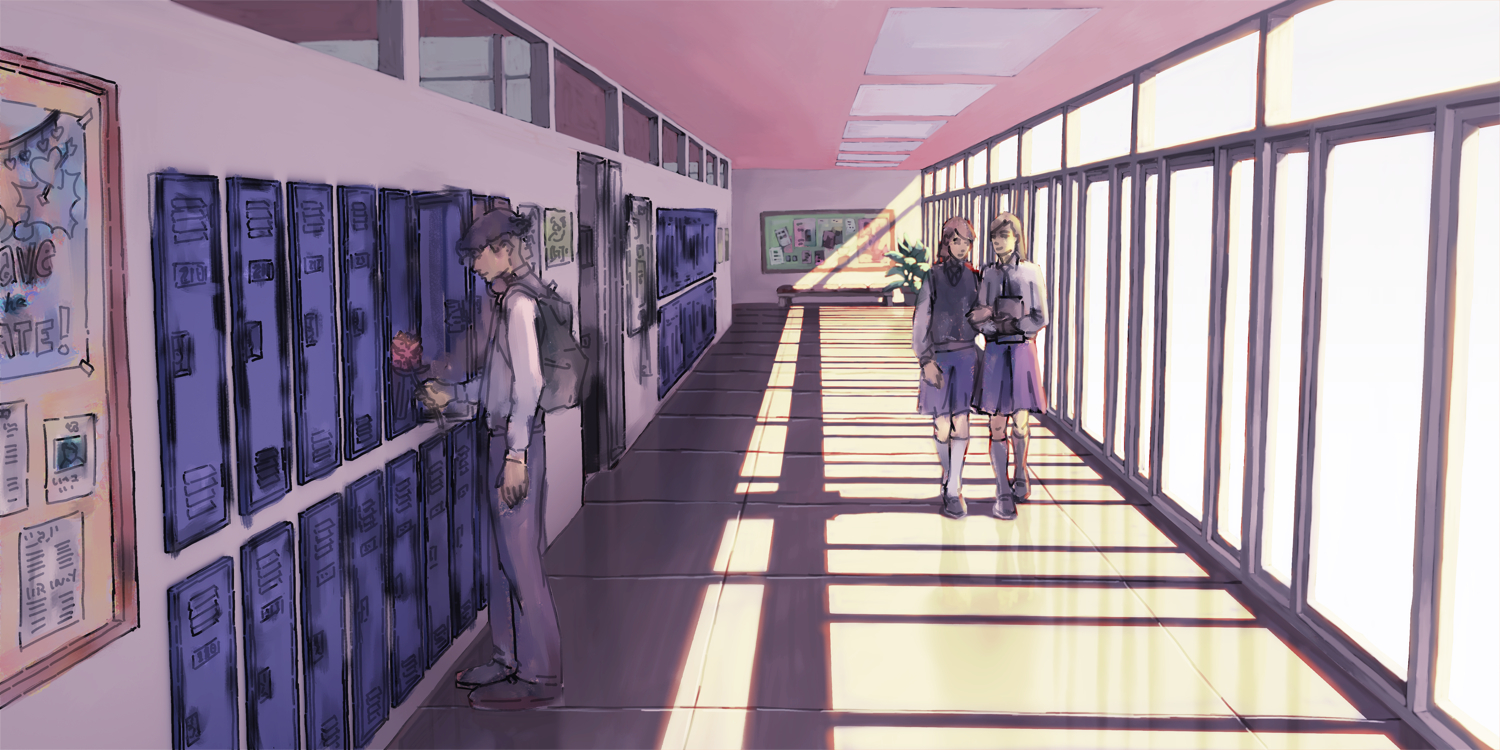
Looking good!
1 Like