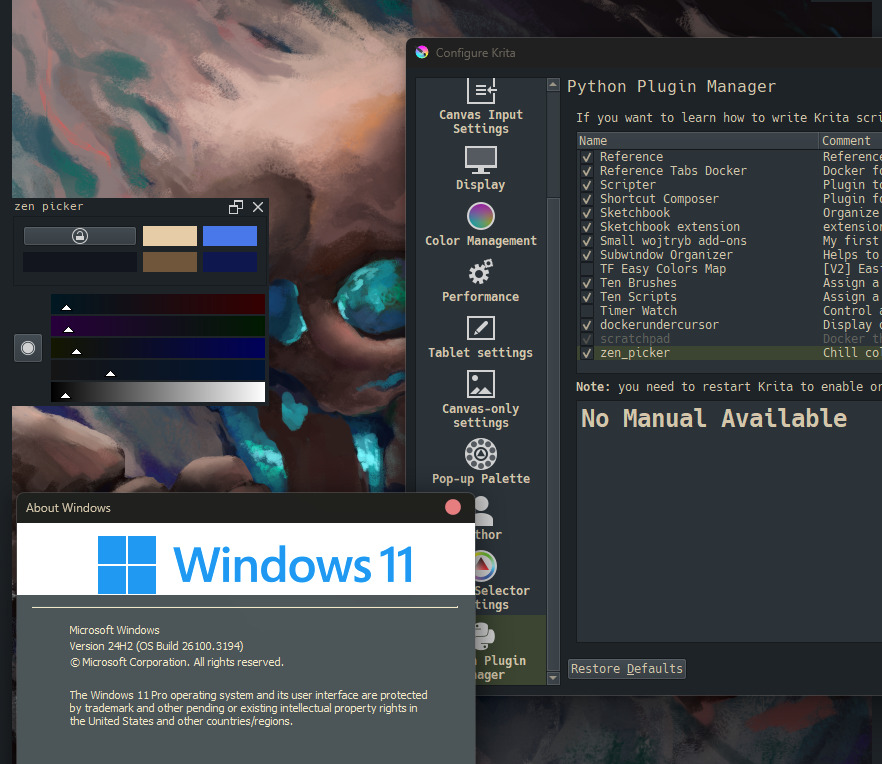
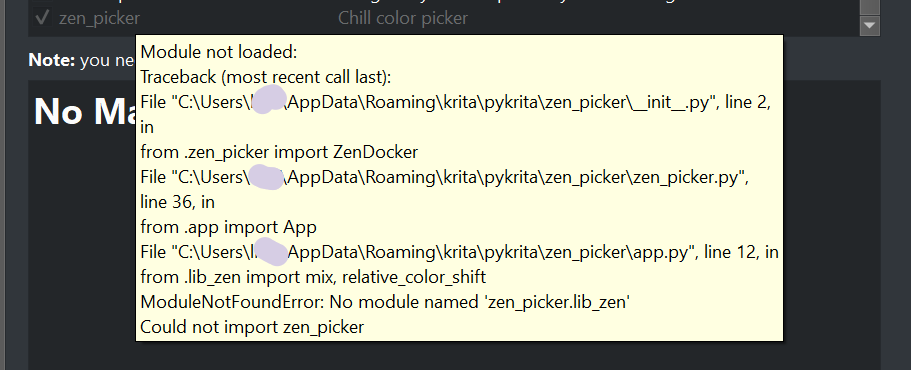
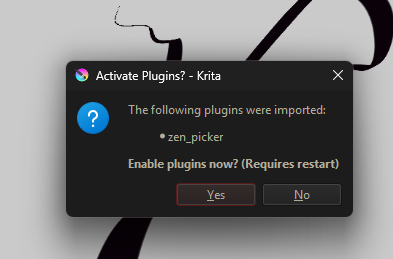
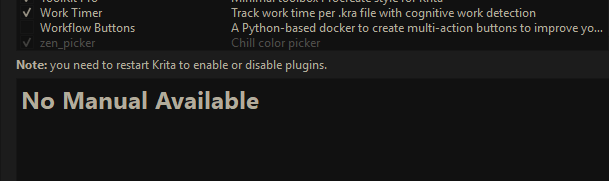
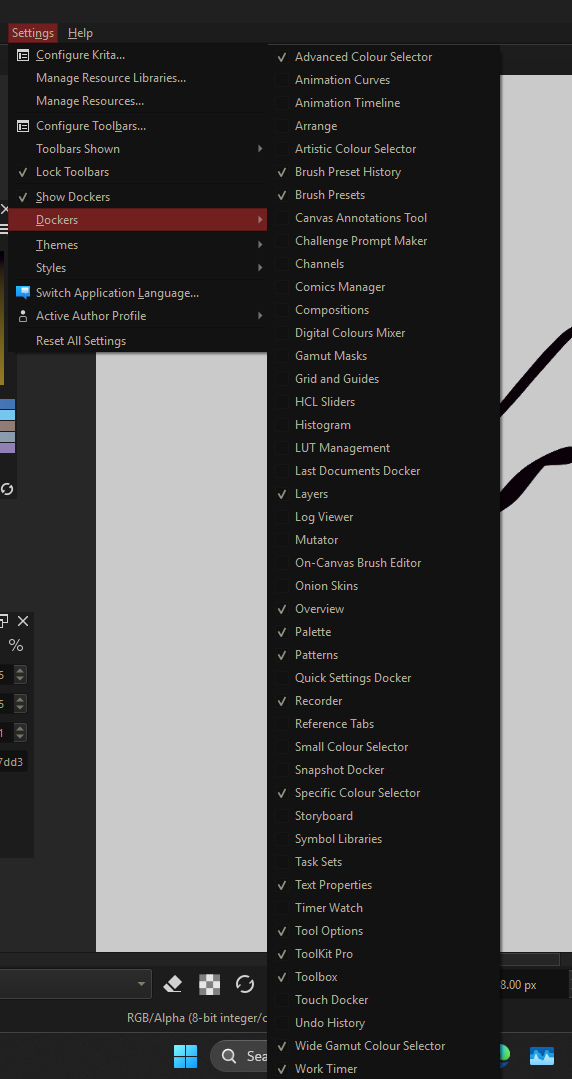
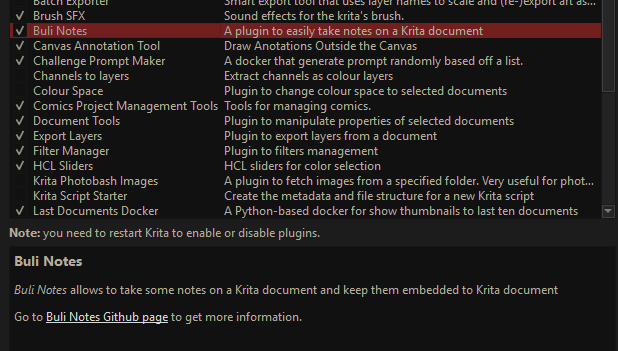
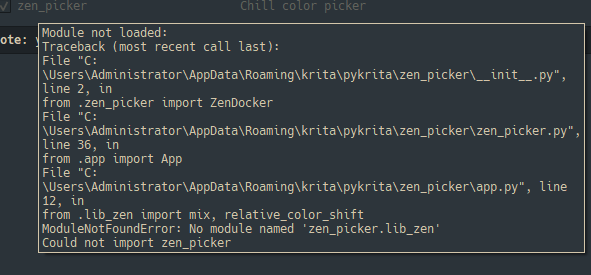
Yep, the path to Krita is a different one using Windows, where several different paths’ are possible. That is because the Steam, the Epic-Store and the Microsoft-Store installations of Krita use different path’s, furthermore, users can install (unzip) the (original) portable version offered by the Krita-Foundation wherever they want, the same is true for the portable versions offered by PortableApps.com.
Windows paths use backslashes, at least internally. Krita, as a program originating from the Unix world, traditionally uses Unix/Linux notation in its configuration files, so it has to translate this internally somewhere. I don’t know how Rust handles this, and I haven’t looked at your source code for this. In your justfile, I tried both the relative and absolute paths for Krita, without success.
But even for Linux users, your design could be a problem. This is because you assume that users will use the official AppImage, but a large part of the Linux community uses the repository version provided by their distribution, and Snap and Flatpak are also used. This can be difficult, at least for those Linux users who are not tech-savvy and are at odds with the command line.
At least we got further, I have not installed it right now, because, while building, it dropped the following, if that will stop the show I’ll see later:
warning: unused variable: `s`
  --> src\lib.rs:37:17
   |
37 |         let (h, s, v) = rgb_to_hsluv(r, g, b);
   |                 ^ help: if this is intentional, prefix it with an underscore: `_s`
   |
   = note: `#[warn(unused_variables)]` on by default

warning: `zen_lib` (lib) generated 1 warning
    Finished `release` profile [optimized] target(s) in 24.94s
copy ./zen_lib/target/release/_zen.dll ./lib_zen.pyd
PS E:\zen_picker-main>
And because it is 5:45am right now, and I have to sleep a few hours more, I just awoke before the night was over and checked your fix, I’ll tell you later if it works.
Michelist

 )
)
 so the average
  Typical sizes (release build, stripped)
 So your