So the speed sensor is unusable for the most part. I saw another post about it and finally got around to investigating why this was hoping maybe I could fix it, but it’s complicated…
There’s two issues with it. One, this bug 421098 – Speed control of brush properties has an impractically large ‘Fast’ value., though I couldn’t tell the difference with zoom levels like it mentions.
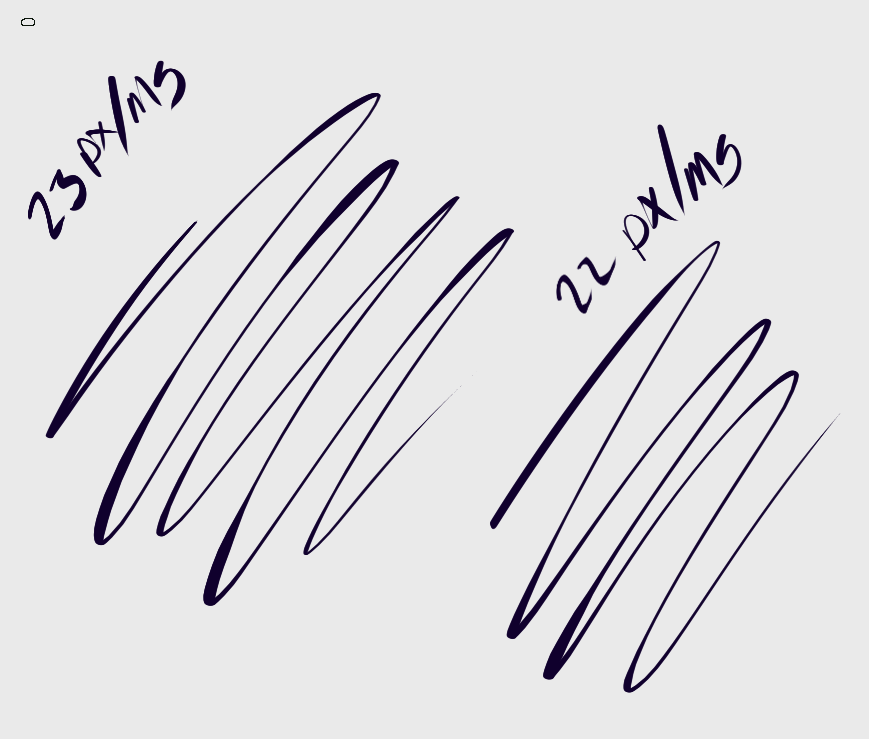
But it’s easy to fix, the max speed is just too high in the code. I don’t really think it needs to be configurable if most people (we would need people to confirm), can’t get past 50% speed as described by creating a curve like this: https://bugsfiles.kde.org/attachment.cgi?id=130775
Brushes might function a bit different, but they would because of the next issue anyways.
The other issue is the one I stumbled upon here: Trying to recreate a brush in Krita - #6 by AlansArtLog
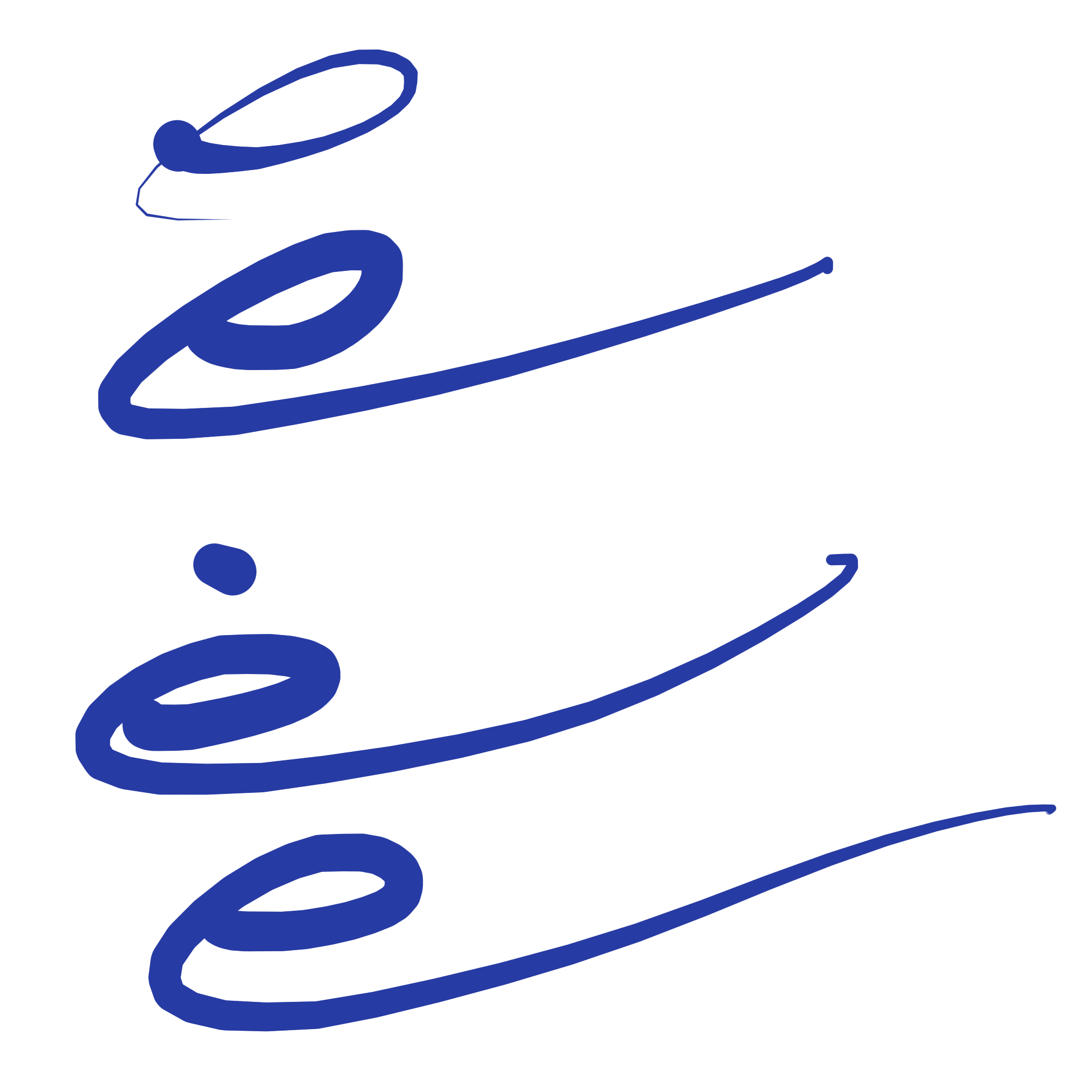
Here are the Clip Studio strokes for reference:

And the same strokes in Krita (with a steep curve to 5%):

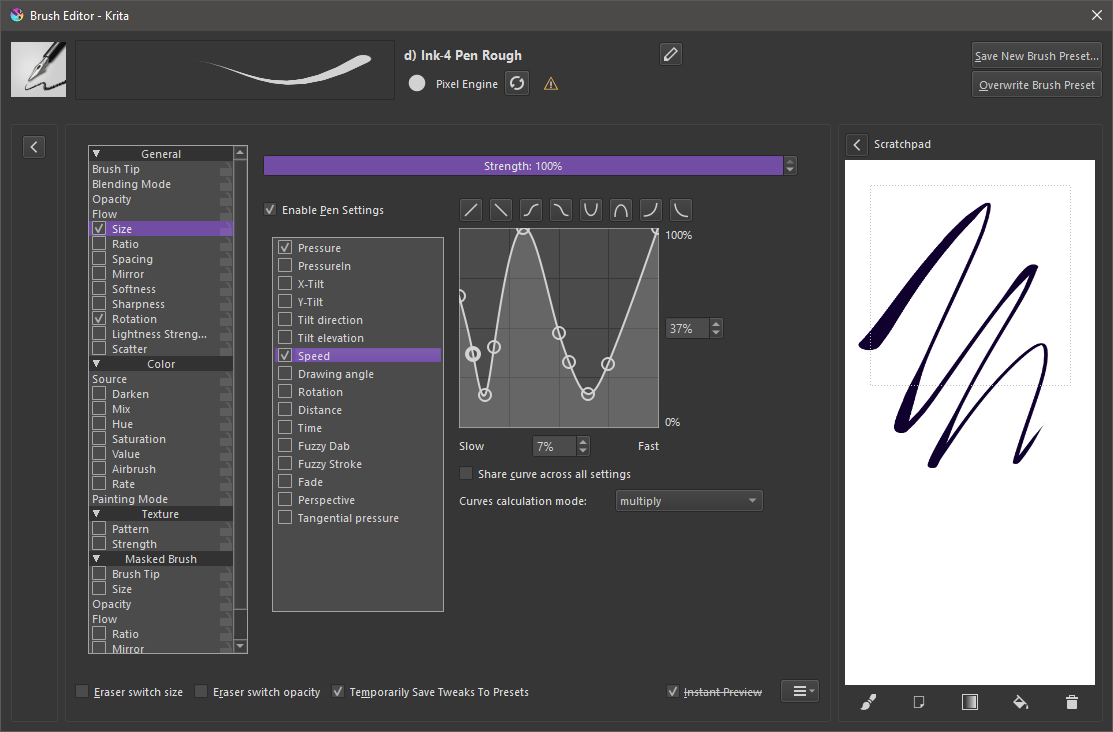
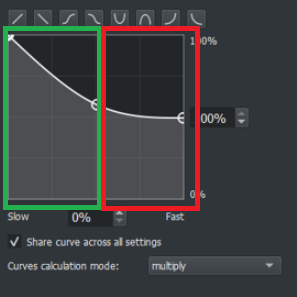
For both, I’m using a simple pixel brush, flow disabled, only speed set to opacity, no stabilizers/smoothing. In Clip, min velocity is set to 0. In Krita, opacity to speed curve looks like this in krita (end “curve” % varies):

After some investigation, it seems there’s some aggressive smoothing happening in libs\ui\tool\kis_speed_smoother.cpp . It was recently implemented (everything here was tested on nightly/master) that one could set the tablet to use timestamps for speed in the settings (which is not the default, probably due to the warning it carries) and with a really steep slope things are slightly better, but nowhere near Clip.
Clip:

Krita (with timestamps, using windows ink just to be sure, though wintab looks the same for me). I can only get the a bit of the correct effect going unreasonably slow. This is with a curve that ends at 10%.

I tried fiddling with MAX_TRACKING_TIME and MAX_TRACKING_GAP and decreasing MAX_TRACKING_TIME to 30 seems to help but still feels off:

Now with timestamps off I did get much closer.
This is with alpha = 1 basically negating the smoothing to the previous value and:
#define MAX_TIME_DIFF 300
#define MAX_TRACKING_DISTANCE 30
This also happens to give you more space on the curve, the slope doesn’t have to be as steep, here it’s to 20%. It’s not exactly like Clip (the change feels smoother in clip) but it’s like 95% there. Maybe tinkering with the alpha I might get it closer.

So yeah, I will keep investigating (I’ve only mostly fiddled with the parameters available), but was wondering if anyone more familiar with the code had any suggestions. At one point I considered suggesting that the variables for the smoother be exposed, but they’re hardly intuitive even to me and differ depending on the method. Also I feel if some smoothing adjustment slider is made, it makes more sense for it to be a part of some brush smoothing method.
PS: I would like to mention I don’t use Clip, so this is not like I’m used to their brushes or anything. The way the speed is handled just feels really nice. It was also the easiest to test this with. MyPaint supports a speed control but I couldn’t figure out how to disable flow and I couldn’t recreate the brush I had in MyPaint in Krita. But it does have what I would consider to be the correct behavior with the ends darkening where one changes direction / slows down.

 but if you’re open to suggestions for making improvements to the curve graphs,