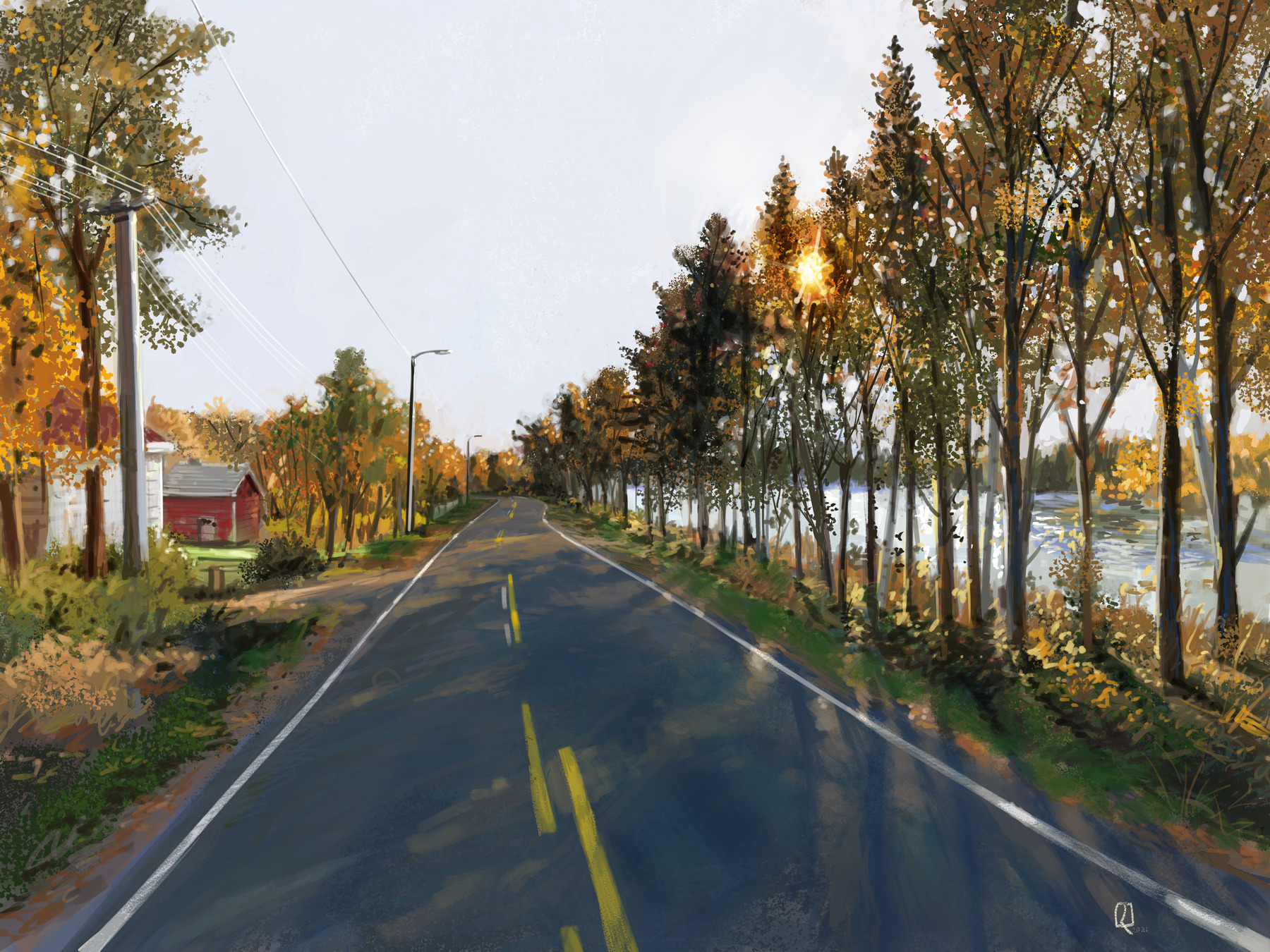
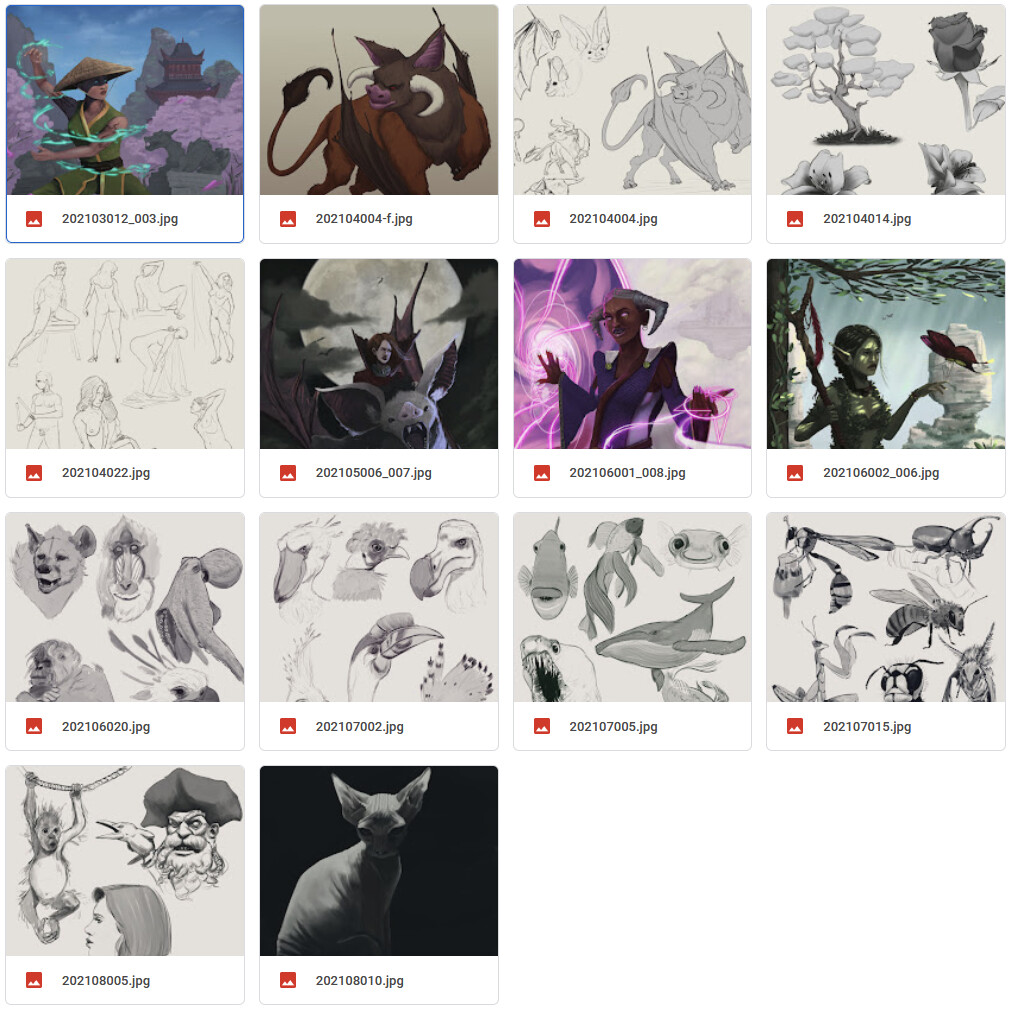
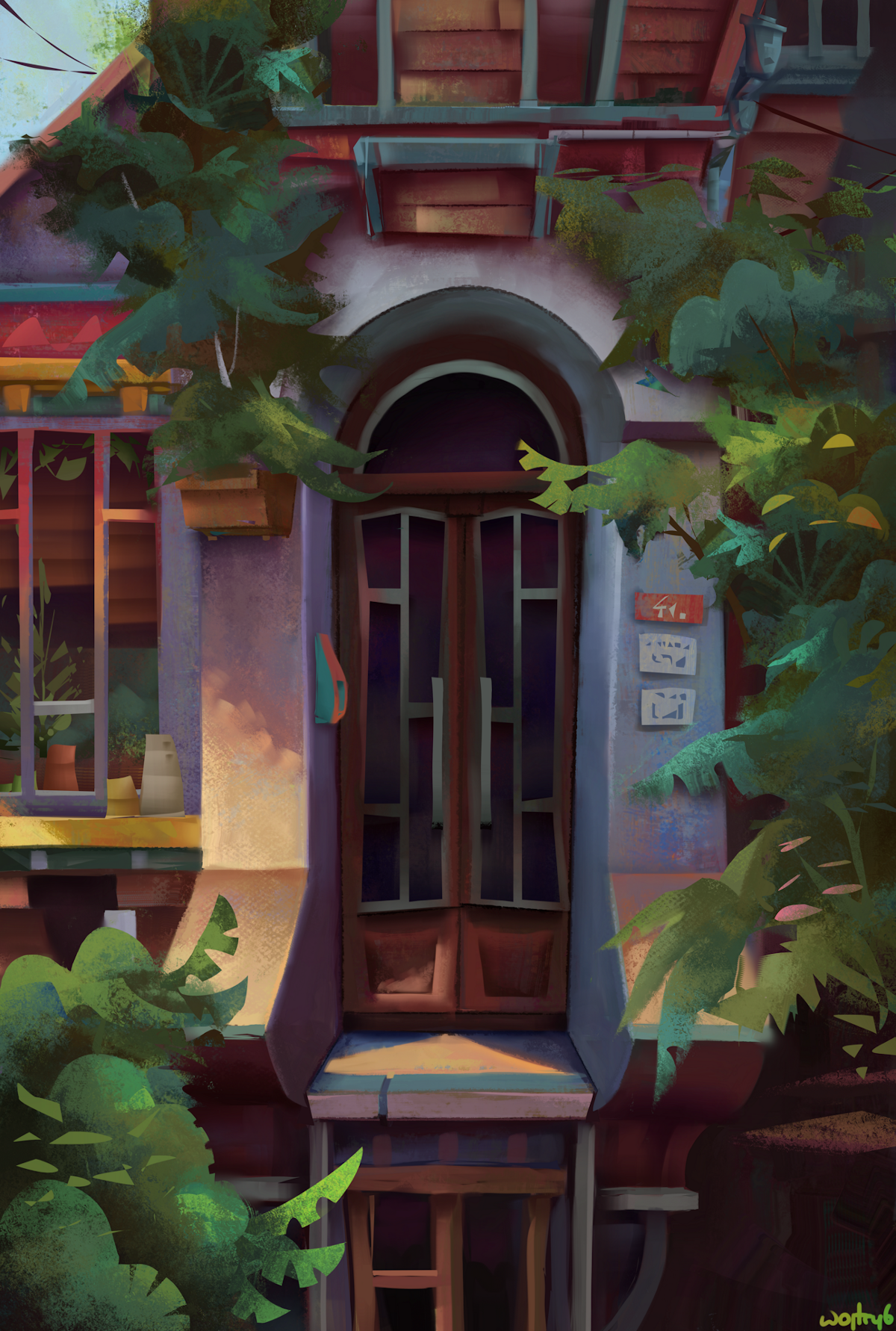
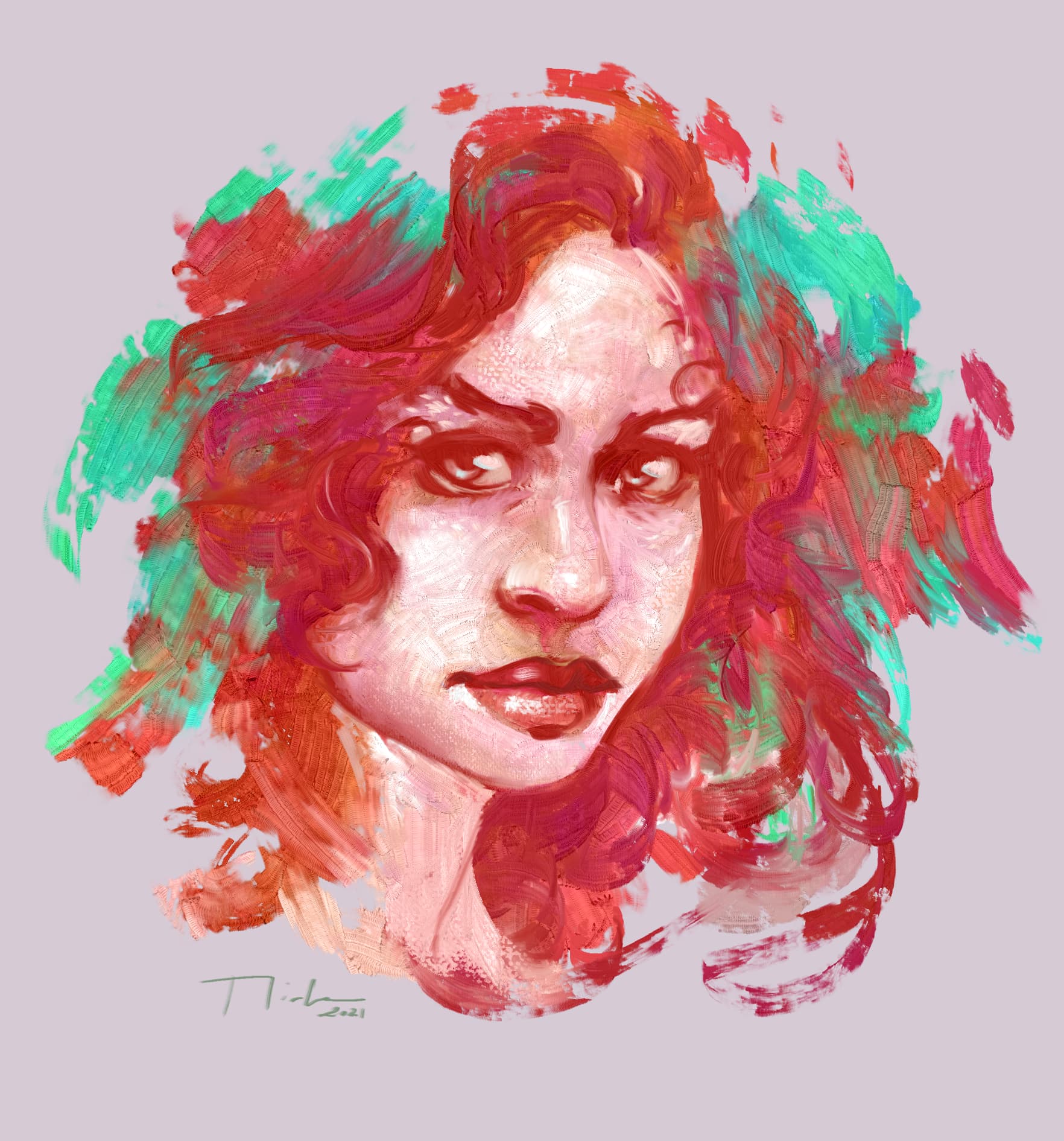
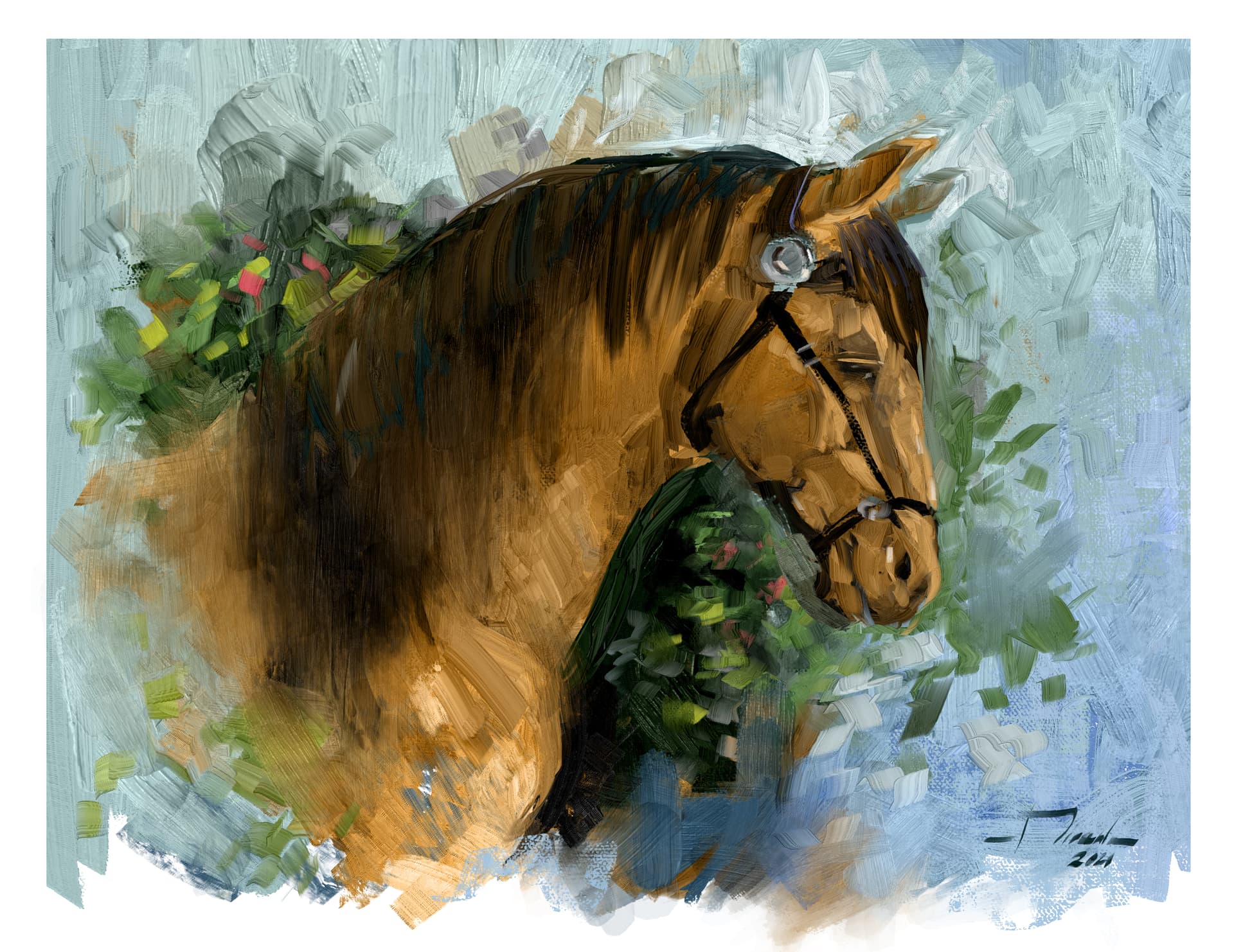
if you’ve been following Krita for a while, you’ll know we like to spruce up our release notes with artwork made with Krita, to show what can be done with it, as well as to show our community. And we’d like to do the same for the 5.0 release notes.
So here’s us asking you for artwork that you’ve made with Krita! Please link or attach images we can use for this to this thread.
There’s a few rules that need to be followed:
There is no set topic: just show off what you think you do best! But…
No gore or pornography. Nudity is fine, flashing swords are fine, people being strangled by their own guts, no.
No fan-art or characters copyrighted by others than you.
Made using Krita: you can use other tools, too, but Krita has to be used for most of the work.
It does not need to be unique for the release notes or particularly finished. Cool sketches and impressive drafts are welcome!
If you have a website link, such as a portefolio or social media handle, we can attach it.
There’s additional artwork types that would also be welcome:
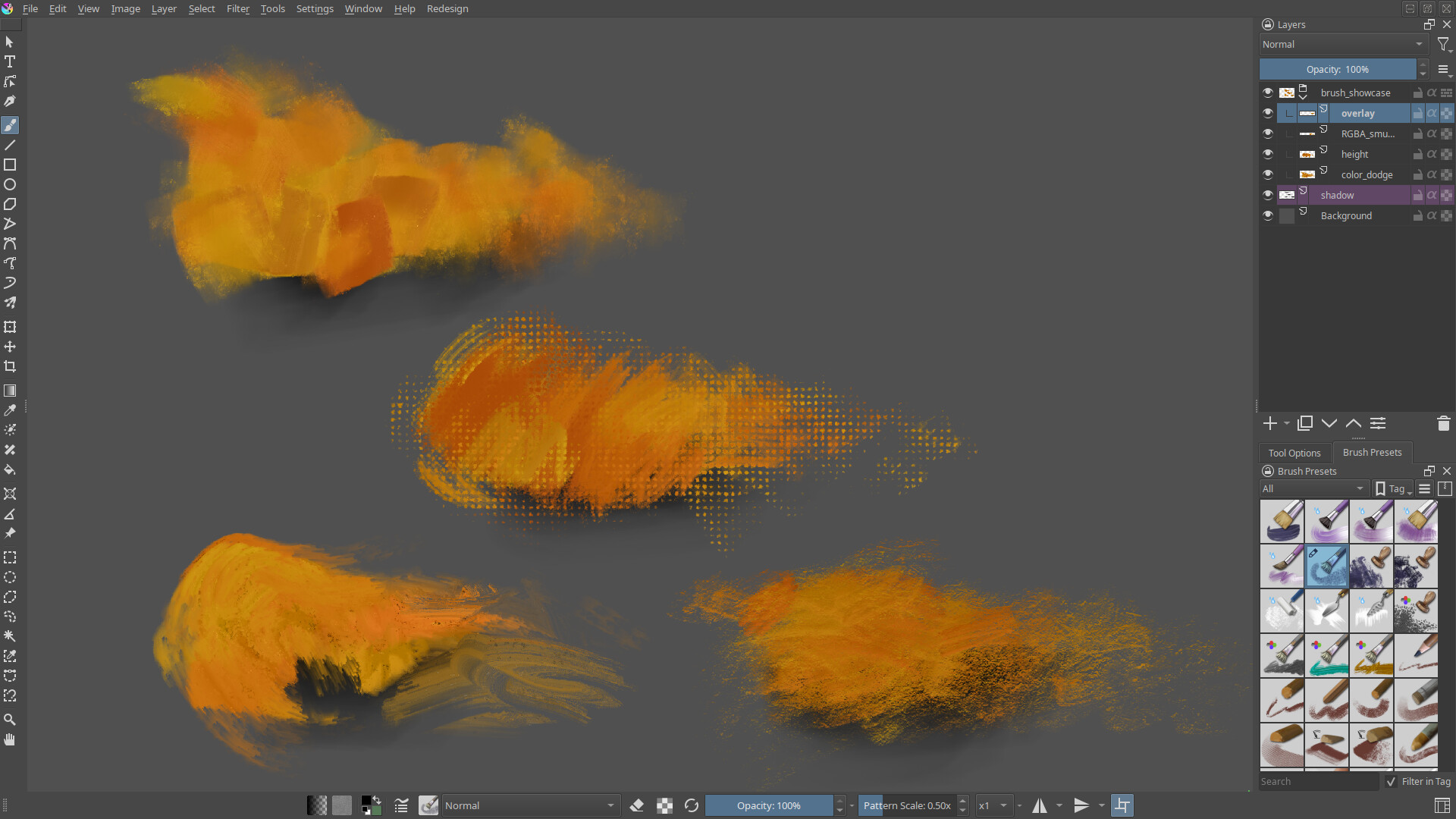
Better screenshots for the 5.0 features. In particular, better images to demonstrate the new brush features would be great, so if you’ve been doing tests and have something that is really demonstrative, it’d be great if we could use it.
We also have updated our splash screen to be high-dpi compatible, but this meant that the holiday splash screen got lost. The image we need for this is 1920x960, and preferably should invoke the season more than it’s traditions.
I made this one recently with 5.0 beta, you can use it however you want to promote Krita and on release page, if you think it will be good for the page.
I’m an illustrator/animator, and my brother and I make clothes with the illustrations I make using exclusively Krita. I also do “Draw with Me” videos on YouTube where I show how I use Krita to create my animations and illustrations.
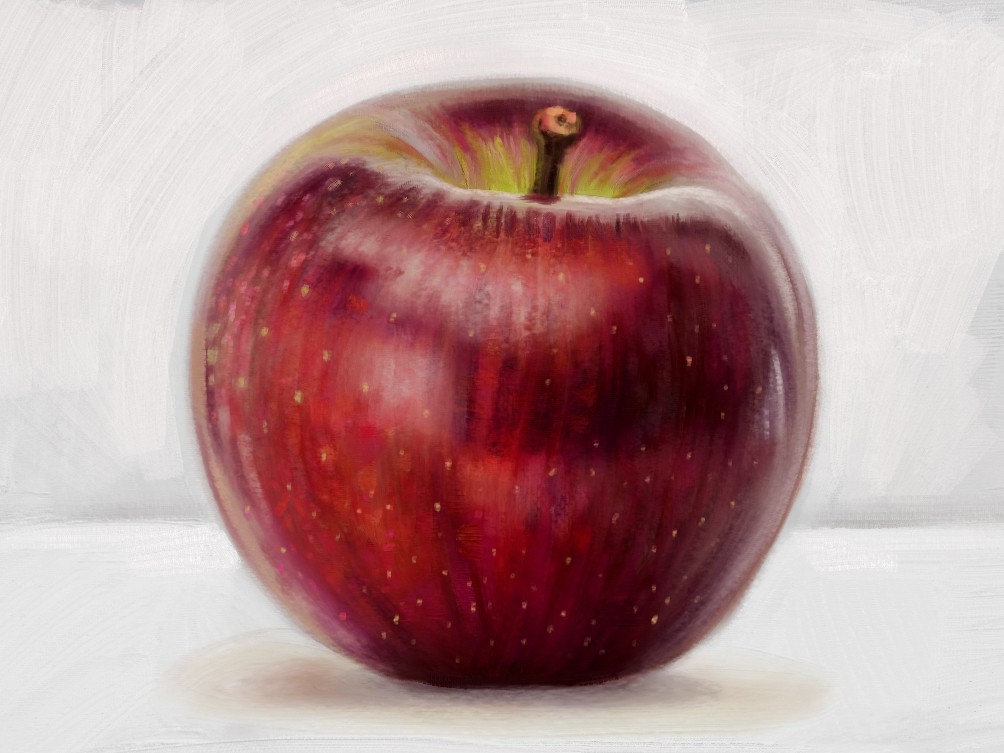
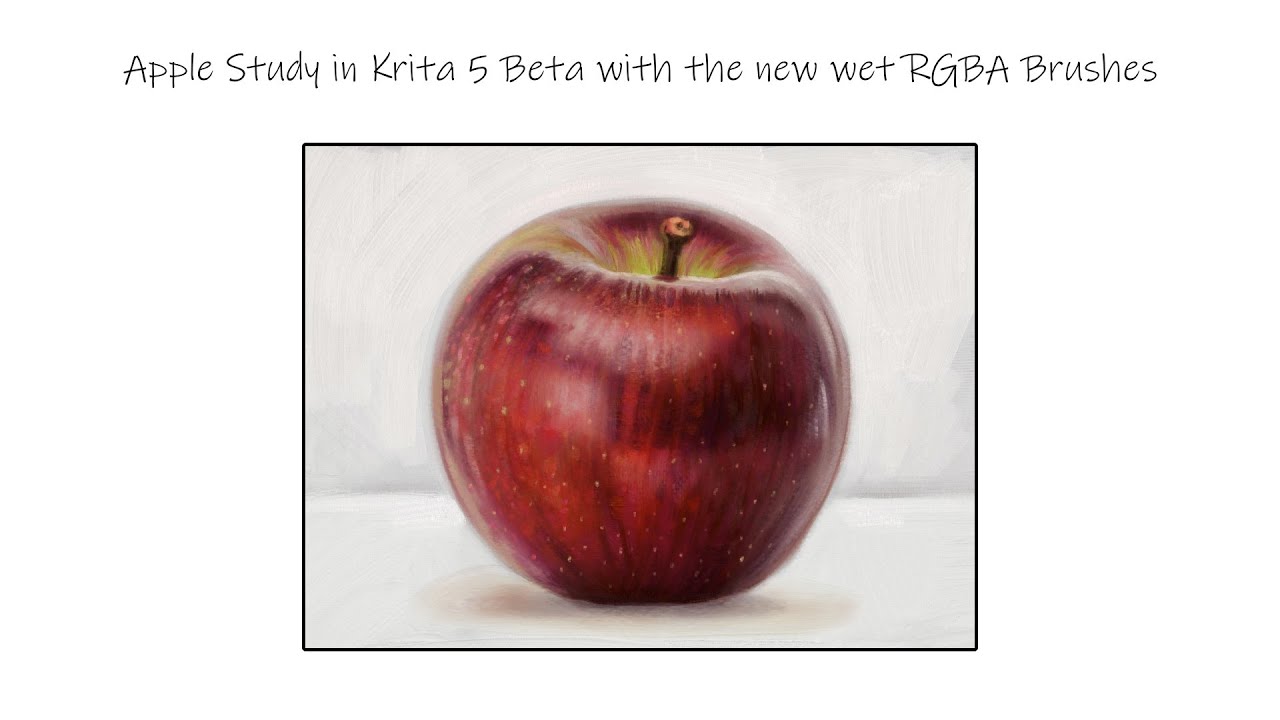
Hi @RamonM I painted a study of an apple with the RGBA brushes. I’ve recorded the process as well so I’ll edit and upload a video too toward the end of the week.
Working on a few more things as well.
My website is https://thimblefolio.com
We still need help creating a good variety of screenshots on various operating systems that show off different workspaces, different functions, especially those new in Krita 5!
I think we also need some good cartoony examples, or anime/manga style and comics. Surprisingly often I see people asking if Krita is good for this too or only for realistic fine arts or matte painting.
It seems that there aren’t many anime illustrators working exclusively in or mostly with Krita.
Maybe it’s because Krita is still maturing to become an excellent program for these. Nevertheless, it’s perfectly possible to draw, ink, or paint in anime style with Krita today. I can’t say it’s not convenient for anime illustration. But for comic making, there’s still room for improvement/maturation. Laying out the panels so that they respect dialogue areas, bleed areas, and finish size is not so easy or ergonomic. Document guides can’t be set in a way that they respect precise position placement, in pixels, or metric units etc. You have to use workarounds and tips that can help, instead of using straight forward, dedicated tools/settings that make the job much much easier. You’re pretty much left with drawing in the traditional way for your comic unless you know these helping tips and tricks.
For information, I personally use layer styles and guides set from a template kra file to layout comic panels and draw manga with it.
Anyway. Krita is great still. I’ve been using it for more than a year now for my works. So I’m quite comfortable with it I guess. It competes well.