In Krita, you import resources like color-schemes via ‘‘Settings’’ >> ‘‘Manage Resources…’’ >> ‘‘Import Resources’’, then select one of the color-schemes you downloaded to import it into Krita and confirm your selection. Now it is added to the pool of available resources.
After you have imported it, you can select and set it as the scheme to use via ‘‘Settings’’ >> ‘‘Configure Krita’’ >> ‘‘Themes’’.
I can only guess you are referring to the Adobe format of that name, if so, in the world of Krita we try to avoid such as much as we can.
But you can try another way to import them. In Krita open ‘‘Settings’’ >> ‘‘Manage Resources…’’ and choose ‘‘Open Resource Folder’’ in the opening folder open the sub-folder color-schemes and simply drag and drop the color-profiles into that folder. Then restart Krita and select it from ‘‘Settings’’ >> ‘‘Themes’’.
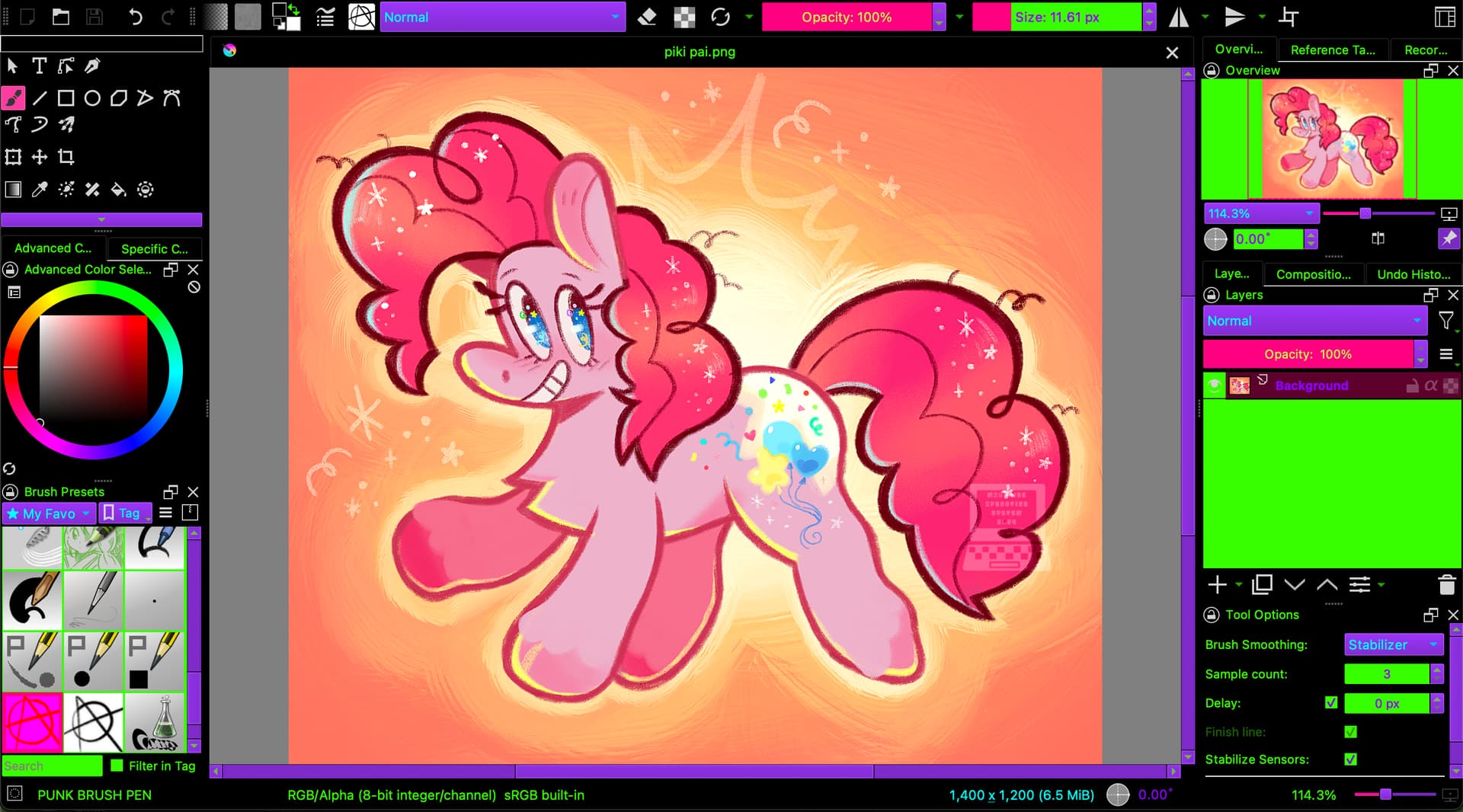
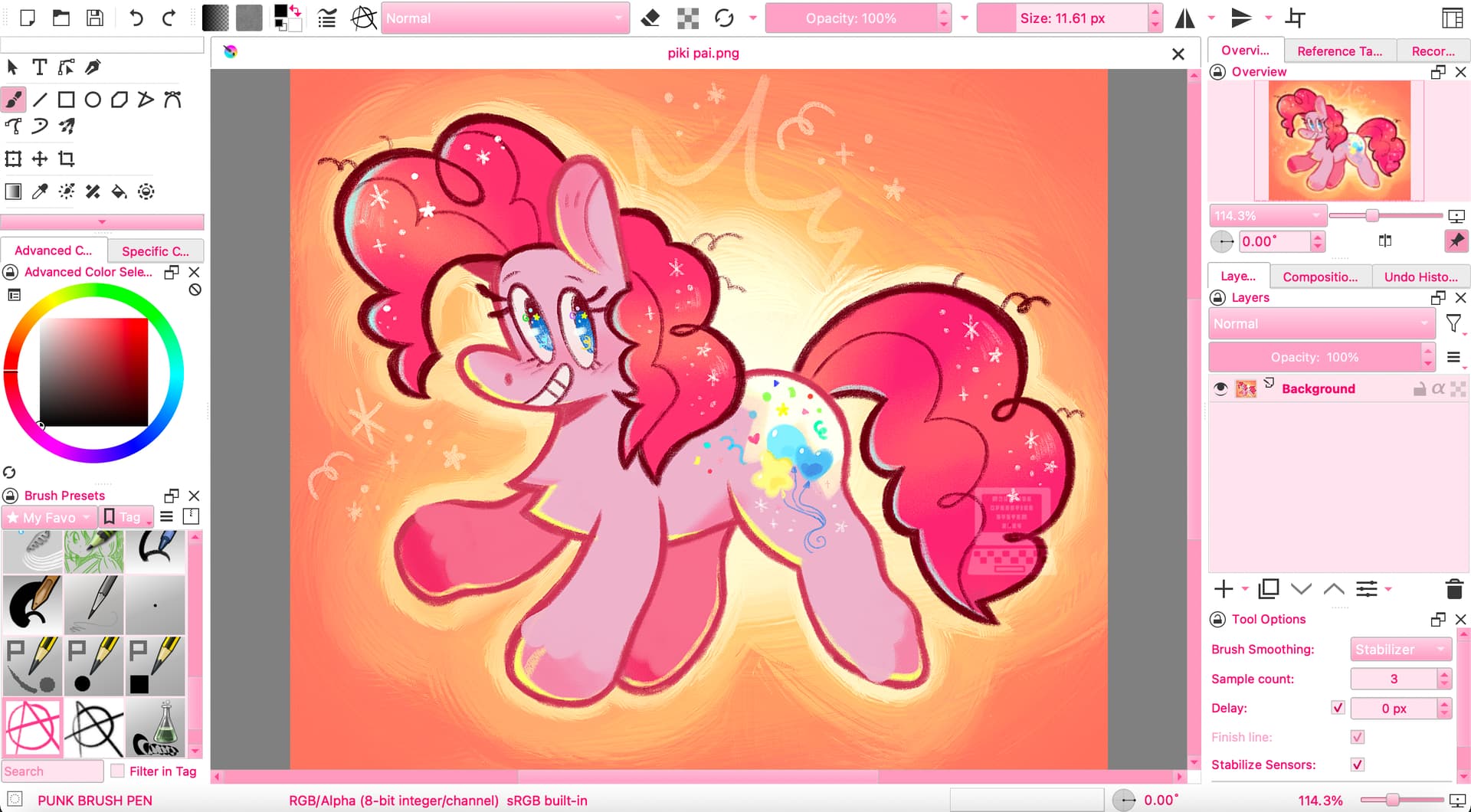
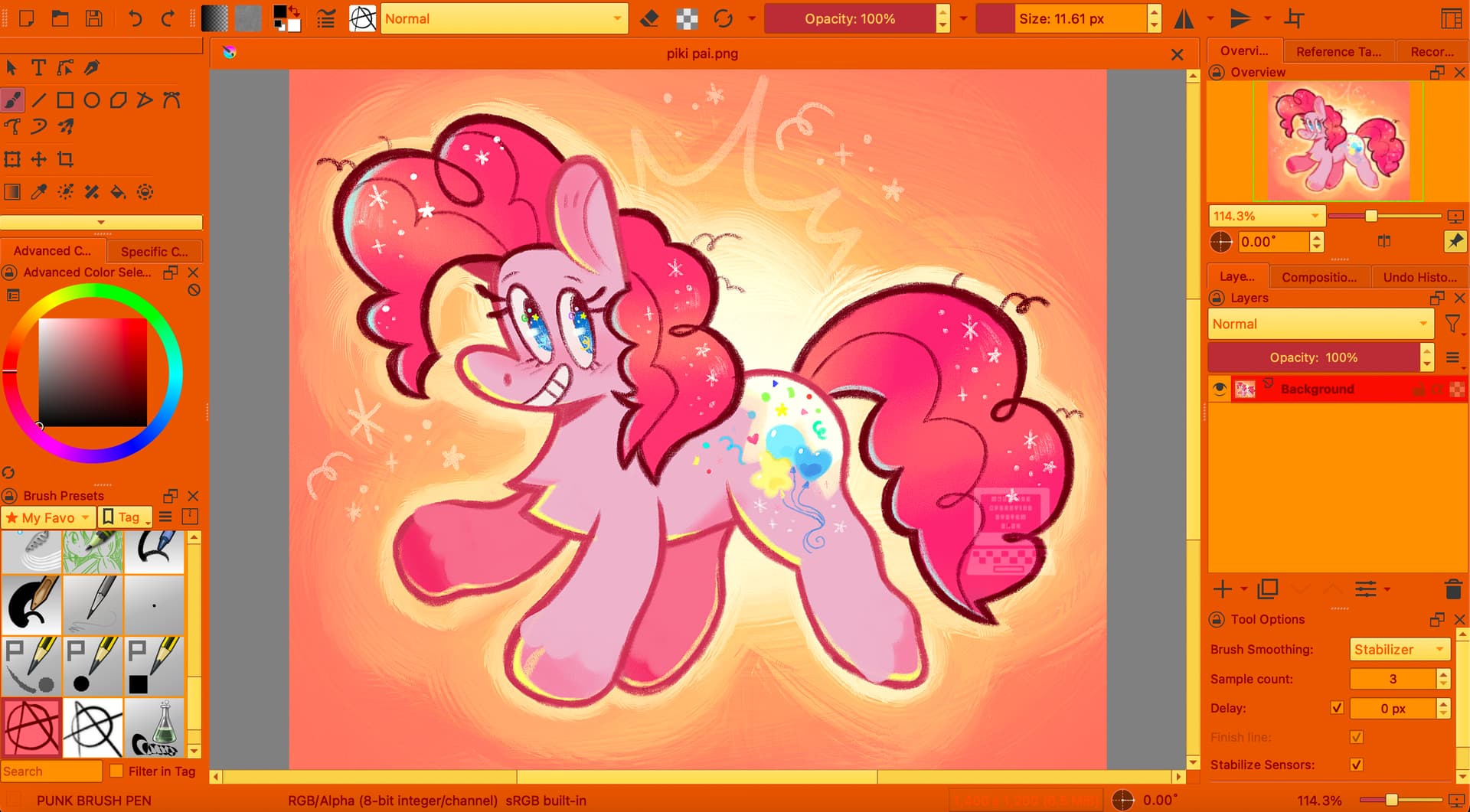
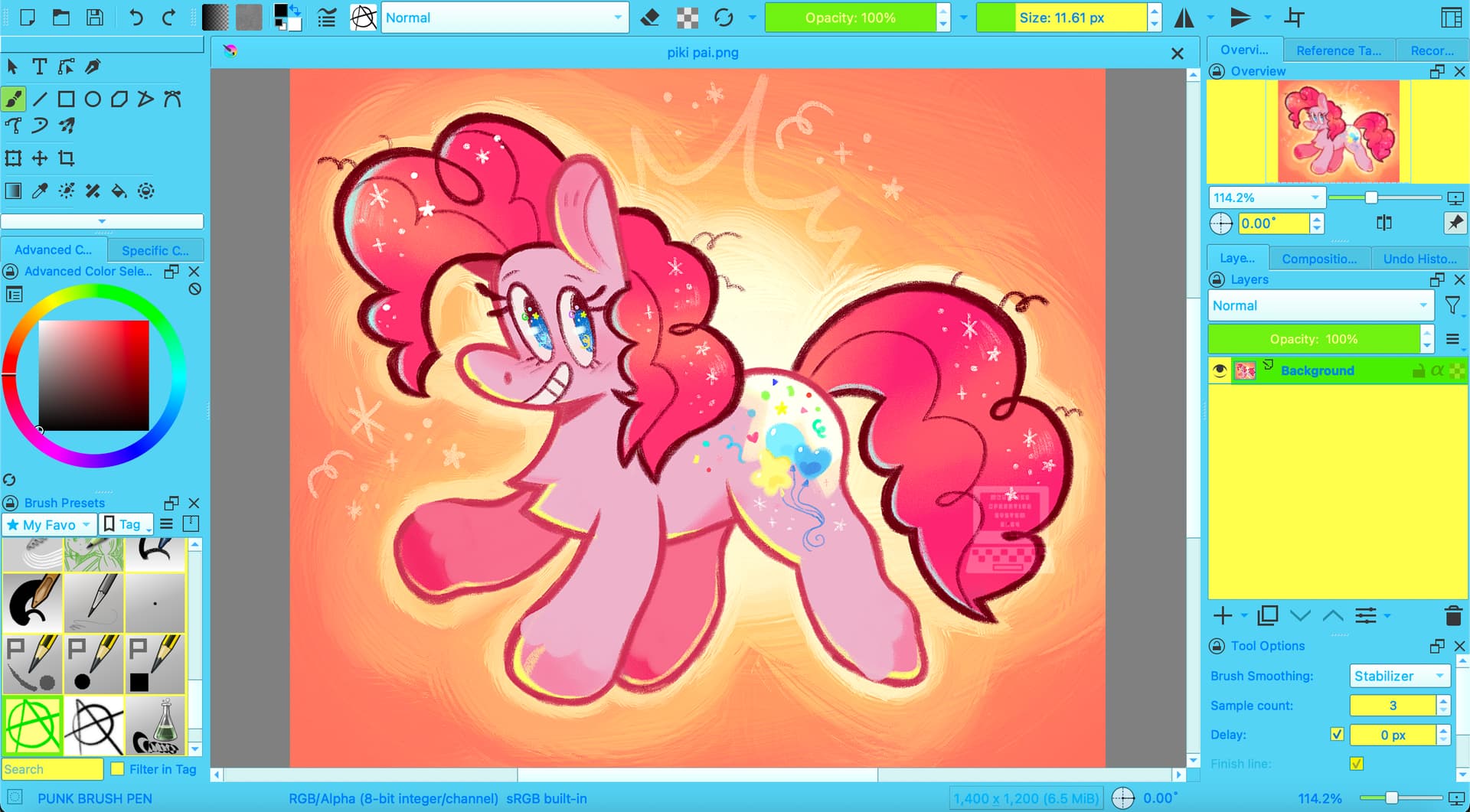
I adore all of these themes! Althought, it’s pretty hard to see the icons at the top for file, edit, etc. Since the text is white like the background. Is there a way to fix this?
There is the plugin Theme Creator Extension which allows you modifying color schemes and which maybe was used to create these color schemes too.
In case that it is not known to you, you install plugins in Krita by clicking on “Tools” >> “Scripts” >> “Import Plugin from File” and in the dialog that opens, select the file you just downloaded, confirm the selection, then confirm Krita’s message that the plugin is installed and restart Krita. Then you have to search in Krita under ‘‘Settings’’ >> ‘‘Configure Krita’’ >> ‘‘Python Plugin Manager’’ for the plugin you just installed and activate it by checking the box in front of it. Then confirm with “OK” and restart Krita to be able to use the plugin.
For even deeper modification there is another, or should I say an additional, plugin to modify Krita’s look, it is called Style Sheet Loader Extension.
There are several ways to more color-schemes/themes for Krita, here I’ll present those known to me:
You have the possibility to create your own themes with the help of this plugin:
This plugin allows even more extensive changes to the user interface, use it in combination with the plugin above:
You can of course also search through the ready-made color schemes of the following posts for themes that you like:
In case that there should be dead links among the color-schemes above, you can ask in the respective topic for a re-upload or a corrected link, theoretically I should be able to provide a link to any of them
And if this selection is still not enough for you, you can also download thousands of KDE schemes from the following website. These work perfectly in and with Krita. And often these color schemes also bring many other things that Krita can’t do anything with and that you can ignore, including icons, widgets and more. But you only need the file named colors (without file name extension, it is really just called “colors”) from the archives (and it is best to rename it to “Archivname.colors” immediately after downloading so that you can assign it later):
Usually you will get *.TAR.GZ archives for themes from pling, but these files can have other formats as well that are common in the world of Linux, so an archive manager (unpacker, unzipper) like 7ZIP is needed to get the contained colors file. There can be cases in that you won’t find a colors-file in these archives and I can’t tell which format these color schemes have and how to apply them, I delete these files because I don’t know how to use them.
hi i just wanted to ask if u might know what to do with this i downloaded the file but it showed in this and krita says it doesnt accept this type of file
Not knowing which version of Krita you use and from where you got it, I can only hint you to follow this description I wrote in this topic on 20th April:
This should always work. If not, then please report back naming your exact version number of Krita and from where you downloaded it.
Additionally, tell us which operating system you use.
And describe briefly where you are stuck and what you did so far.
Hey! I’m a bit confused. I use krita on a galaxy tab, and I’ve been trying to import the themes but it won’t let me : c. I downloaded the one file I wanted and it went into my Google drive, so I’m confused. Can someone help?
You must find a way to copy the *.colors file, you want to import into your Krita, into the sub-folder color-schemes which is a folder in Krita’s resources folder. In the case that your Android device is rooted, you’ll have access to it, and it is easy, simply copy it into its destination folder, restart Krita, done!
But it is uncommon to have a rooted device.
So, here begin the issues with modern Android. If it is possible for you to reach Krita’s resources folder via Settings > Manage Resources... > Open Resource Folder, depends on the version of your Android. If Android prohibits you accessing Krita’s resource folder this way, you have to look up its location in Krita via Settings > Configure Krita > General in the tab Resources, there you will see the path to your resource folder. Copy it, note it somewhere or use your memory to then try if you can get there using Androids file manager. If you can, open the folder color-schemes and copy your new scheme into it, and again, after a restart of Krita, you will find it among the stock schemes and can select it.
If Androids own file manager doesn’t do the trick, you can download the file manager Total Commander from the App Store, which belongs to the few file managers able of accessing that folder (until Googles next change to the rights/access-management of their file system - it’s like a game of cat and mouse, you’re always chasing after Google’s changes to Android!), and then beg and try that it will be able to browse to that folder allowing you to copy your color-schemes file. Should it not work, you have to search for other file managers that are said to be able of accessing a little bit more than the usual folders.
You can also come back to the forum and ask here again, because our Android users will probably know more file managers that may do the trick for you.
It just occurred to me that we could also ask our new Android developer about this, maybe he can help you. I also think I heard that something about the accessibility of Krita’s resource folder should be improved (but as a non-Android user, I’m not very well-informed about this, so maybe the above is now outdated). @Drawpile, can you help us further here, perhaps my hints are already outdated or better ways to access Krita’s resource folder under Android exist in between without me noticing it?
Thank you both!
I’m not aware of a better way of doing it on Android unfortunately. Like you say, the operating system has an irrational hatred for the file system and tries very hard to keep the user away from it, so you need to use special tools to manipulate it.
 Hello
Hello 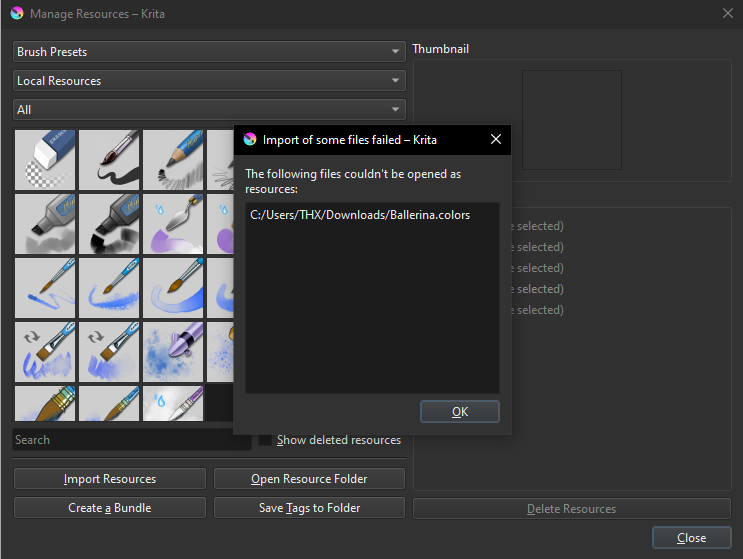
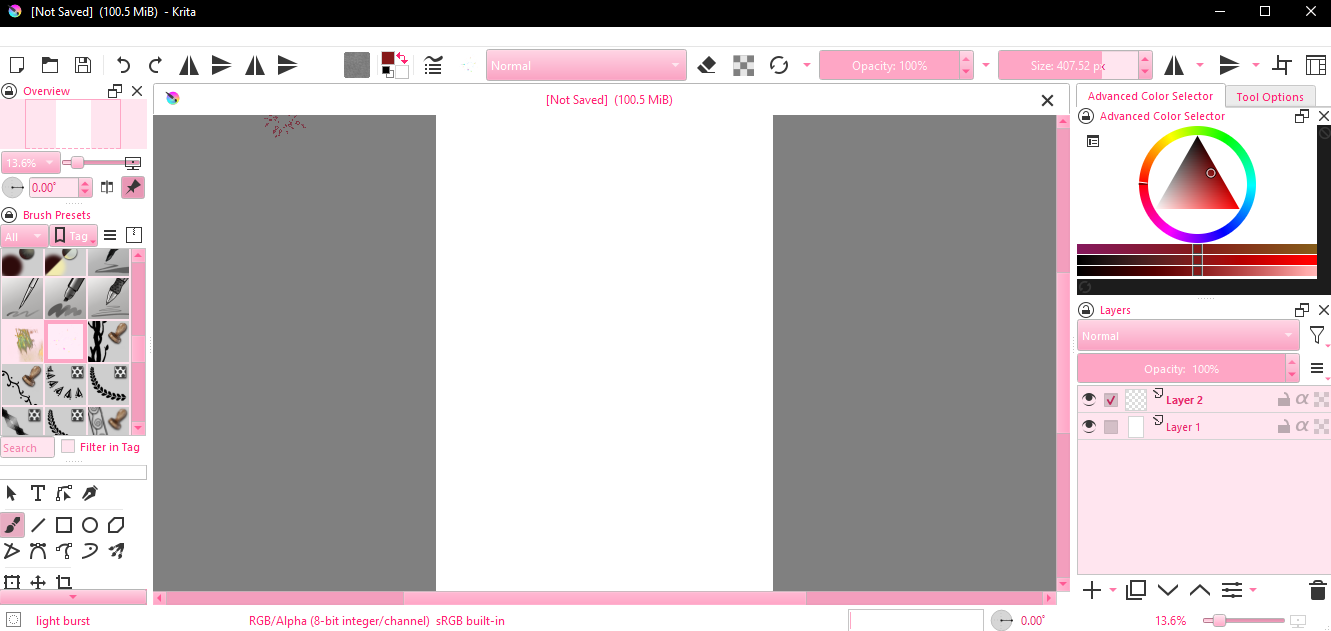

 Althought, it’s pretty hard to see the icons at the top for file, edit, etc. Since the text is white like the background. Is there a way to fix this?
 Hello
Hello 